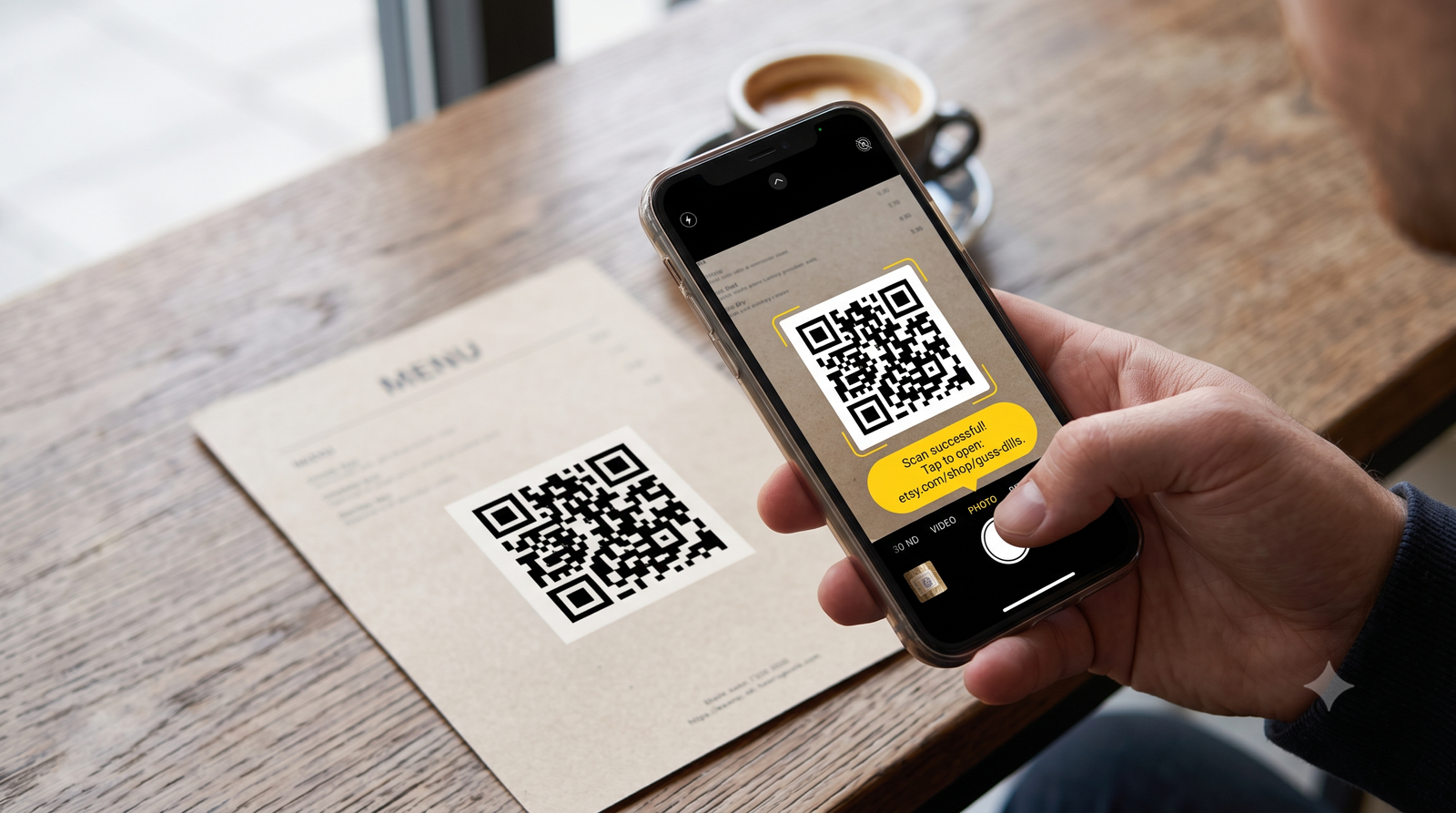
How to read digital links using your default camera app without downloading extra software.
Apple and Google baked this technology directly into your default camera software years ago. You just use your standard camera app.
Scanning on an iPhone
Open the Camera app and point the lens at the code. A yellow bubble will pop up on your screen with the web address. Tap that bubble to open Safari.
Scanning on an Android
Android handles this the exact same way. Open your camera and aim it at the printed square. Tap the link that appears on your screen. If nothing pops up, you probably need to tap the Google Lens icon at the bottom of the viewfinder.
When things go wrong
Sometimes a printed code is too small or damaged to scan. You can usually pinch the screen to zoom in a bit. Check your phone's control center menu if the camera still refuses to read it. Both iOS and Android have a dedicated shortcut specifically designed to force a scan.
Skip the third-party scanning apps in the app store. They are usually stuffed with pop-up ads and forced subscriptions. Your built-in tools do the job.