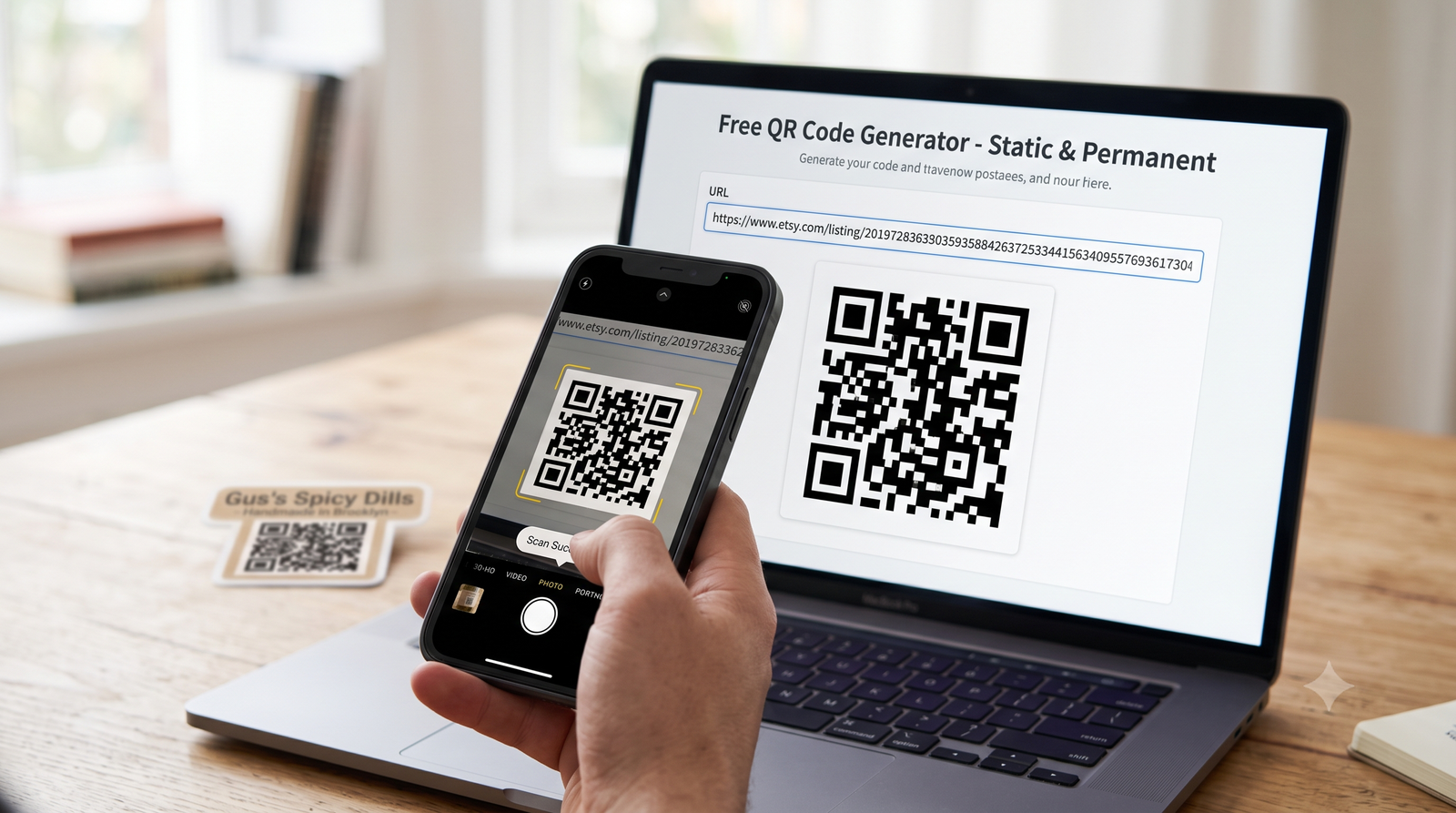
A fast, step-by-step guide to generating scannable codes for your links and files.
You just need a web browser and a destination link.
Step 1: Pick a free generator
There are dozens of free tools online. I think QR Code Monkey and GoQR.me are incredibly solid choices. They let you generate permanent static codes without even signing up. If you already use design software, Adobe Express and Canva also have free built-in generators.
Step 2: Choose your data type
Decide where you want people to go. You can link directly to a website URL or share a PDF document. Say you're printing packaging for a new online pickle business. You would select the website URL option to send customers straight to your Etsy storefront.
Step 3: Paste your link
Copy your full URL, including the "https://" part. Paste it into the text box. You probably want to use a short, clean link. Shorter URLs create simpler QR patterns that cameras can scan much faster.
Step 4: Customize the look
Most tools let you change the colors or drop a small logo in the center. Keep it readable. You need high contrast. Dark dots on a light background always work best. Make sure you leave some empty white space around the edges of the code so cameras can isolate it.
Step 5: Download the file
Pick your file format. Save it as a PNG or SVG for the best quality. Vector formats like SVG are perfect for print because they scale up without getting blurry.
Step 6: Test before printing
Always test the image on your phone before you send it to a printer. Open your camera app, point it at your monitor, and tap the link. Verify it actually loads your intended page.